

Account suspended? Learn how to browse public Twitter media without login and save tweets, images, and videos more smoothly.
It is a frustrating spot to be in: your Twitter account gets suspended, the appeal form gives you very little to work with, and you still need a public tweet, a video, or a set of images for something you are doing right now. So the real question becomes: how do you view Twitter without account access when Twitter keeps pushing you back toward login or appeal screens?
If the tweet or profile is public, you usually do not need to wait for account recovery just to finish a media task. A no-login viewer gives you a cleaner route: search for the public profile or tweet, browse the media, batch download the files you need, and export useful results for later.
If you are waiting for account recovery, our guide to viewing Twitter without an account covers the same public-content workflow in more detail. It is useful when you only need to check public profiles, tweets, or media without signing in.
Want to experience the feeling of batch downloading Twitter videos?
A suspended account is not only an account problem. It breaks a lot of small, ordinary jobs people use Twitter for: checking a public post someone sent over, opening a news clip, saving a creator image, reviewing a campaign post, or collecting public references for research.
The timing makes it worse. Appeals rarely give you an instant answer, and sometimes they feel like they disappear into a black box. If your goal is only to reach public content, waiting on the appeal process can turn a five-minute lookup into a long interruption.
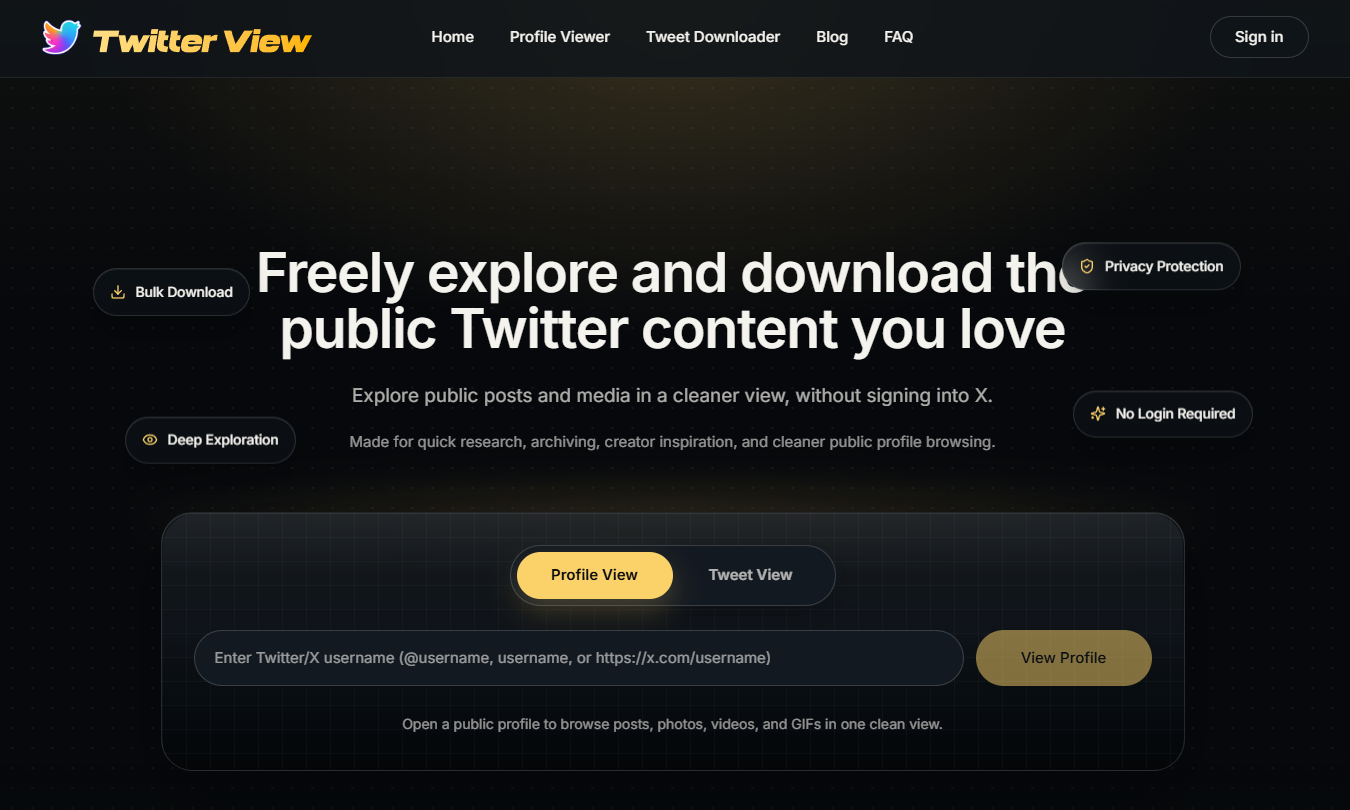
A no-login workflow keeps the job narrow. Start from the TwitterView homepage, paste a public username, profile URL, or tweet URL, and go straight to the result instead of trying to rebuild your full Twitter session.
This matters because many free downloader pages are cluttered with fake buttons, pop-ups, and ad traps. TwitterView is built to be no-login and ad-free, so the page stays focused on public tweets and media rather than distractions.
Start with whatever you can still access: a public @username, a profile link, or a tweet URL from notes, messages, newsletters, saved research, or search results. You do not need your suspended account just to open public content through a public viewer.
Open the TwitterView homepage and paste the username or link. The point is simple: move from “my account is blocked” to a clean public result page where posts and media can be reviewed quickly.
When results load, use the photo-wall style view to scan images, videos, and GIFs together. This is especially useful when you know the account but not the exact tweet. Instead of opening posts one by one, you can compare the media visually and find the right item faster.
For account-level research, the Twitter Profile Viewer path helps you inspect public profile content before deciding what to save.
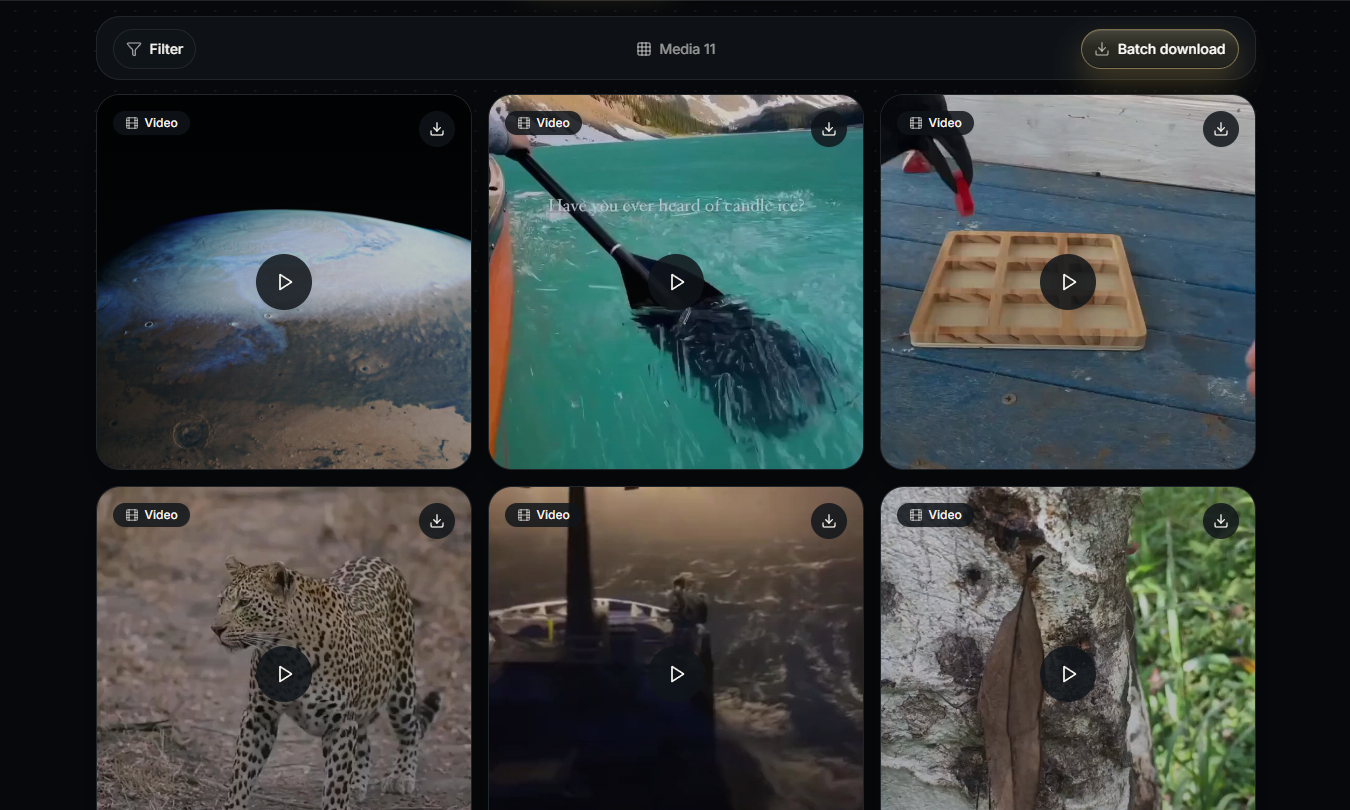
If several files matter, do not turn the job into a pile of separate downloads. Select the public images, videos, or GIFs you want and use the batch download workflow to keep everything organized. It is much cleaner than bouncing between separate tweet pages while your main account is unavailable.
If you only need one specific post, use Tweet Downloader instead. Paste the tweet URL, preview the available media, and save the file from that single tweet.
Downloads give you the files, but exports help you keep a record. When you are collecting public tweets for reporting, research, content planning, or evidence organization, batch export keeps useful tweet or media references in one place instead of scattered across browser tabs.
If your account is unavailable for reasons other than suspension, How to View Twitter Without an Account in 2026 covers the broader no-login workflow. You can also compare this approach with browser extensions in our Twitter viewer vs download plugins guide.
When your Twitter account is suspended, you do not have to pause every public media task until the appeal system responds. If the profile or tweet is public, a no-login and ad-free workflow can help you browse tweets, view media in one place, batch download files, and export useful results with much less friction.
Start with a username or tweet link, scan the media wall, save only what matters, and keep an export for later review. That simple flow turns a blocked Twitter session into a workable public media collection process.
You do not need to connect every public browsing task to your Twitter identity. This guide explains the privacy case for viewing Twitter without an account.

Compare a web-based Twitter Viewer with download plugins, especially account safety, permissions, device support, and public media workflows.
Compare a web-based Twitter Viewer with download plugins, especially account safety, permissions, device support, and public media workflows.



© 2026 TwitterView. All rights reserved.
